A diagonal indigo gradient fills the whole tile. In AppIcon.icon it is the linear-gradient fill; flat renders draw it inside the squircle.
App Icon Specification
One mark serves the macOS App, the Windows installer, the WebUI tab, the PWA and the docs site: an indigo tile holding a lavender cell with three flat discs inside. The macOS App ships a flat icon.icns; AppIcon.icon keeps the same artwork as Icon Composer layers for the Liquid Glass toolchain.
The mark
The cell is a lavender window with a smooth, radiating wave outline. Three flat discs overlap inside it, back to front: indigo, violet, sky.
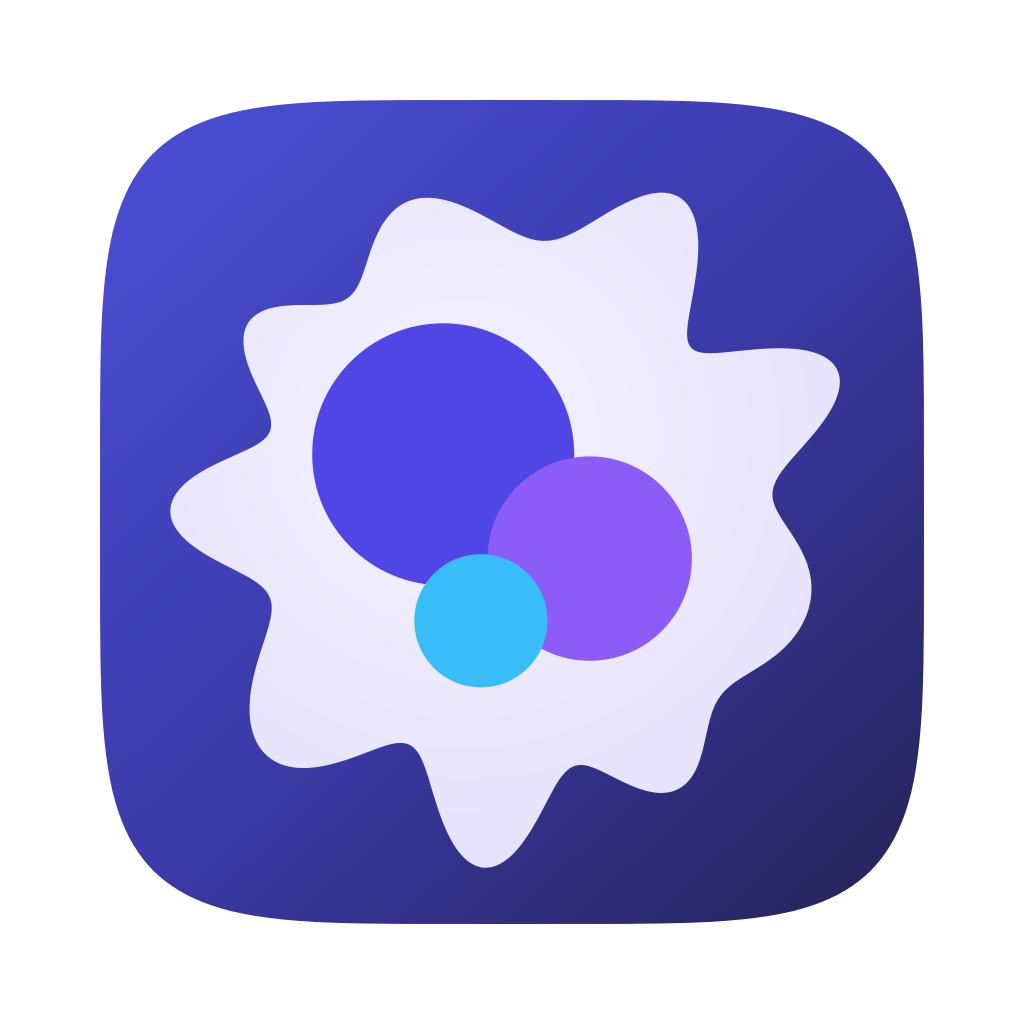
The front two discs cast a soft shadow on the disc behind them, which gives the stack depth without sphere lighting.
Geometry and colour
All sizes are fractions of the tile side, measured from the tile centre. The cell outline is the closed curve r(θ) = R · (1 + Σ aₖ cos(kθ + φₖ)) rotated by −15°, with R = 0.364 and four harmonics: k = 9 (a = 0.12, φ = 1.3), k = 7 (0.05, 0.2), k = 12 (0.035, 2.4), k = 2 (0.02, 1.8). The dominant 9th harmonic gives about nine rounded rays of uneven size; the others keep the rays irregular. Every bump and every dip is a smooth arc, so the outline has no cusps. The outline reaches at most 0.446, leaving a clear margin inside the tile.
| Element | Position (dx, dy) | Radius | Colour |
|---|---|---|---|
| Indigo disc (back) | −0.084, −0.070 | 0.159 | #4F46E5 |
| Violet disc | +0.094, +0.057 | 0.124 | #8B5CF6, soft shadow |
| Sky disc (front) | −0.038, +0.132 | 0.081 | #38BDF8, soft shadow |
| Cell | centred | 0.364 ± wave | radial #F4F2FF → #E6E2FA |
| Tile | full tile | linear #4B4FD6 → #3A3AA8 → #23214F | |
#4F46E5 indigo#8B5CF6 violet#38BDF8 skyAsset boundaries
KeepFlat discs in their three colours; the cell's smooth wave outline; the indigo tile gradient; the shadow that separates the front discs from the ones behind.
AvoidSphere lighting or radial highlights on discs, glass translucency, an outline ring around the cell, sharp points in the cell outline, and text or rasters inside the mark.
Icon Composer layersTransparent 1024 × 1024 canvases, one element per layer, no squircle, frame, filter or shadow drawn in the SVG. Shadows come from the group settings.
Flat rendersThe ICNS, favicon and PWA icons are rendered from the flat SVG sources below, never from screenshots of a packaged App.
Targets
| Target | Source | Output |
|---|---|---|
| macOS App | docs/images/openprogram-app-icon.svg — Big Sur grid: an 824 px squircle at offset 100 on a 1024 canvas, with a soft tile shadow | apps/desktop/build/icon.icns (16–1024 px), the packaging input in apps/desktop/package.json |
| Liquid Glass toolchain | apps/desktop/build/AppIcon.icon | Icon Composer groups listed front to back: sky disc, violet disc, indigo disc, cell. Every group disables Specular and translucency, every layer disables glass, and shadows are neutral (0.5 on the two front discs, 0.3 on the rest). ictool exports Default, Dark, ClearLight and TintedDark. |
| WebUI tab, docs site | docs/images/openprogram-tab-icon.source.svg — 64 px rounded tile filling the canvas | Copied unchanged to apps/web/app/icon.svg and scripts/docs_site/assets/mark.svg |
| Favicon, Windows installer | The 64 px tab icon | apps/web/app/favicon.ico with 16, 32, 48, 64, 128 and 256 px PNG entries |
| PWA | The 64 px tab icon; a full-bleed variant for the maskable icon | apps/web/public/icons/icon-192.png, icon-512.png, and icon-512-maskable.png with the cell inside the 80% safe circle |
| README, website, social card | The same mark at 126 px beside the outlined Instrument Sans wordmark and Geist Mono tagline | docs/images/logo-lockup-dark.svg, logo-lockup-light.svg, their PNG renders, the README GIFs in which the discs pop in back to front, logo.svg, and openprogram-social-card.svg / .png. The image sources guide lists where each is used. |
Checks
apps/desktop/scripts/check-icon.shRun by npm run icon:check. Requires the four layers, exactly three flat discs in the approved colours, the cell fill, the linear-gradient tile fill, and the front-to-back group order with Specular, translucency and glass disabled. Rejects squircles, frames, filters, shadows, text and rasters in the layer SVGs.openprogram/self_update/control/supervisor.pyThe trusted icon probe renders each of the four layer SVGs with sips and requires a 1024 × 1024 transparent canvas.The design follows Apple’s App icons HIG and Icon Composer. Packaging follows the Electron Builder icon documentation.
Implementation status
| Scope | Status |
|---|---|
macOS ICNS, AppIcon.icon layers, favicon, tab icon, docs-site mark and PWA icons | Implemented |
README lockups and their animation (docs/images/logo-lockup*), the social card, the wordmark (docs/images/logo.svg) and the docs logo.png | Implemented |